
MCP Projects for Cursor
Choose integrations by a concrete workflow need. More tools also mean more context, permissions and selection complexity. The following projects are the source guide's examples; evaluate their current documentation and access requirements before connecting them.
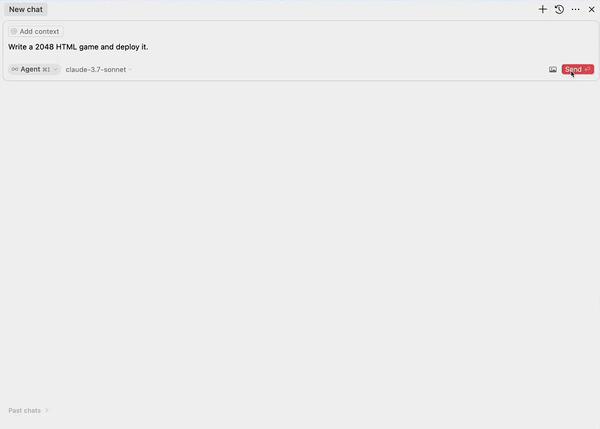
#Publishing: EdgeOne Pages MCP
The source describes turning generated HTML, folders or archives into shareable web pages. Publishing is an external action that needs a deliberate target and scope.
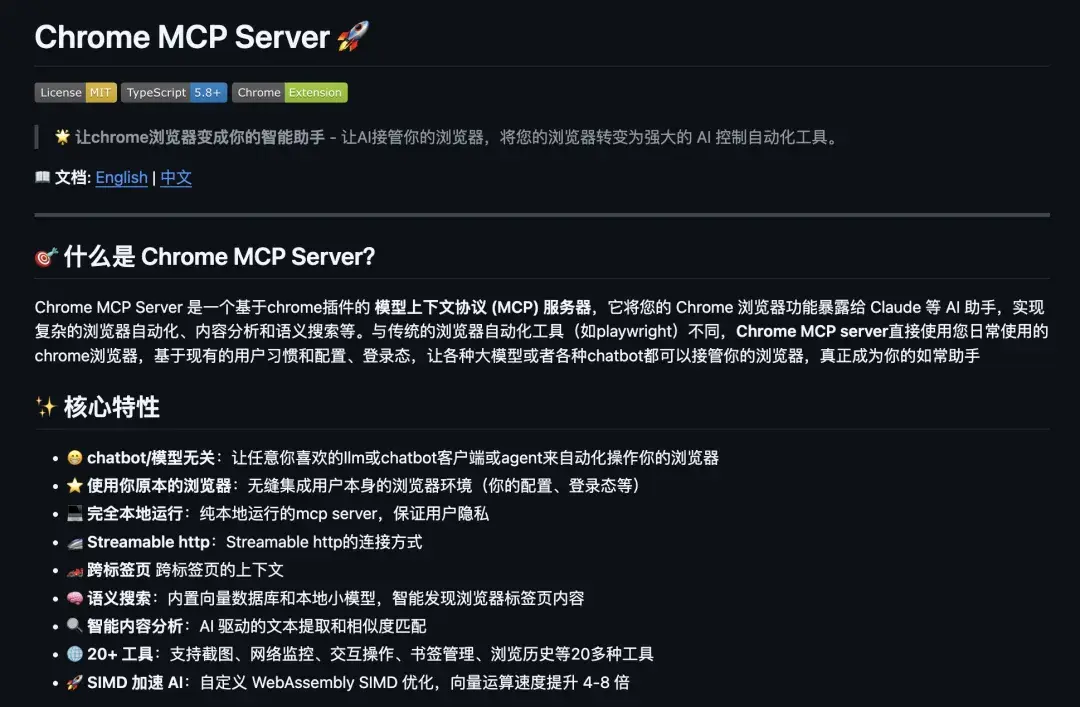
#Browser interaction: Chrome MCP
A browser connector can support page interaction, screenshots and information organization. Check which browser session and permissions it receives.
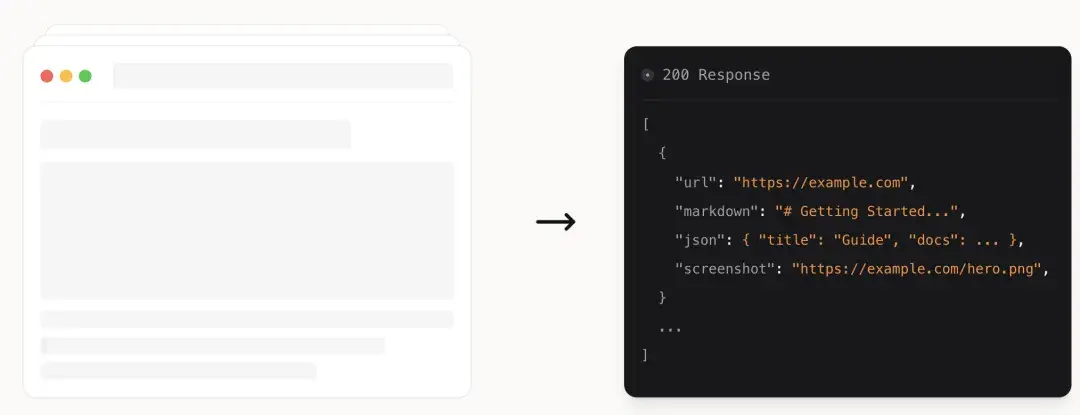
#Web extraction: Firecrawl MCP
The source lists page extraction, crawling, search and structured extraction. Match the capability to the data and site access requirements.
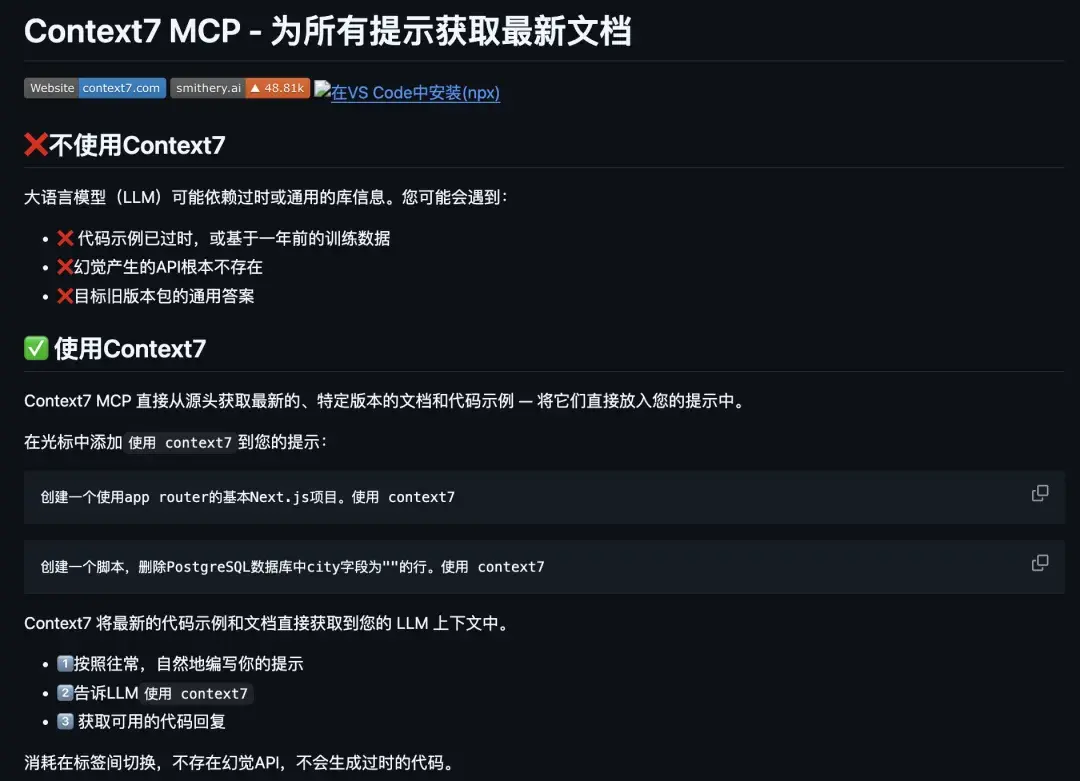
#Documentation context: Context7
Library documentation and examples can reduce invented API usage. The source illustrates the use context7 instruction; verify the integration's actual available tools.
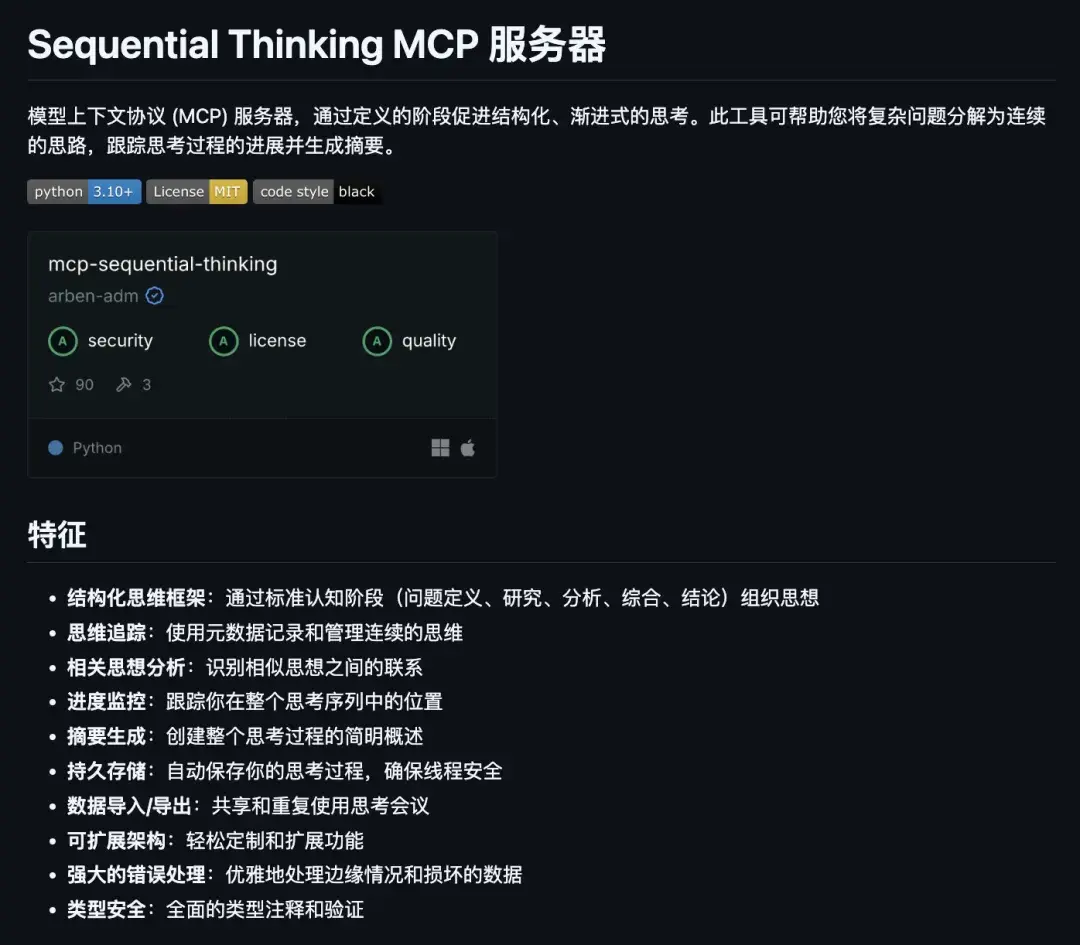
#Structured task reasoning: Sequential Thinking
The project is presented as a way to break complex work into steps and summaries. Evaluate whether it adds useful structure to the particular task.
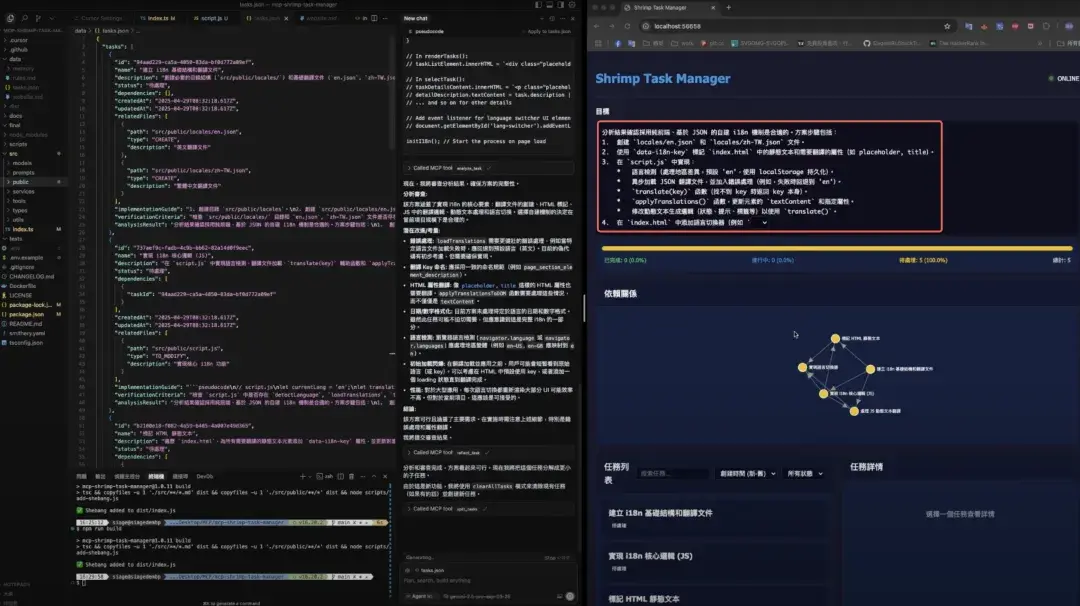
#Task organization: Shrimp Task Manager
The source describes task breakdown, ordering, dependencies and retained task context.
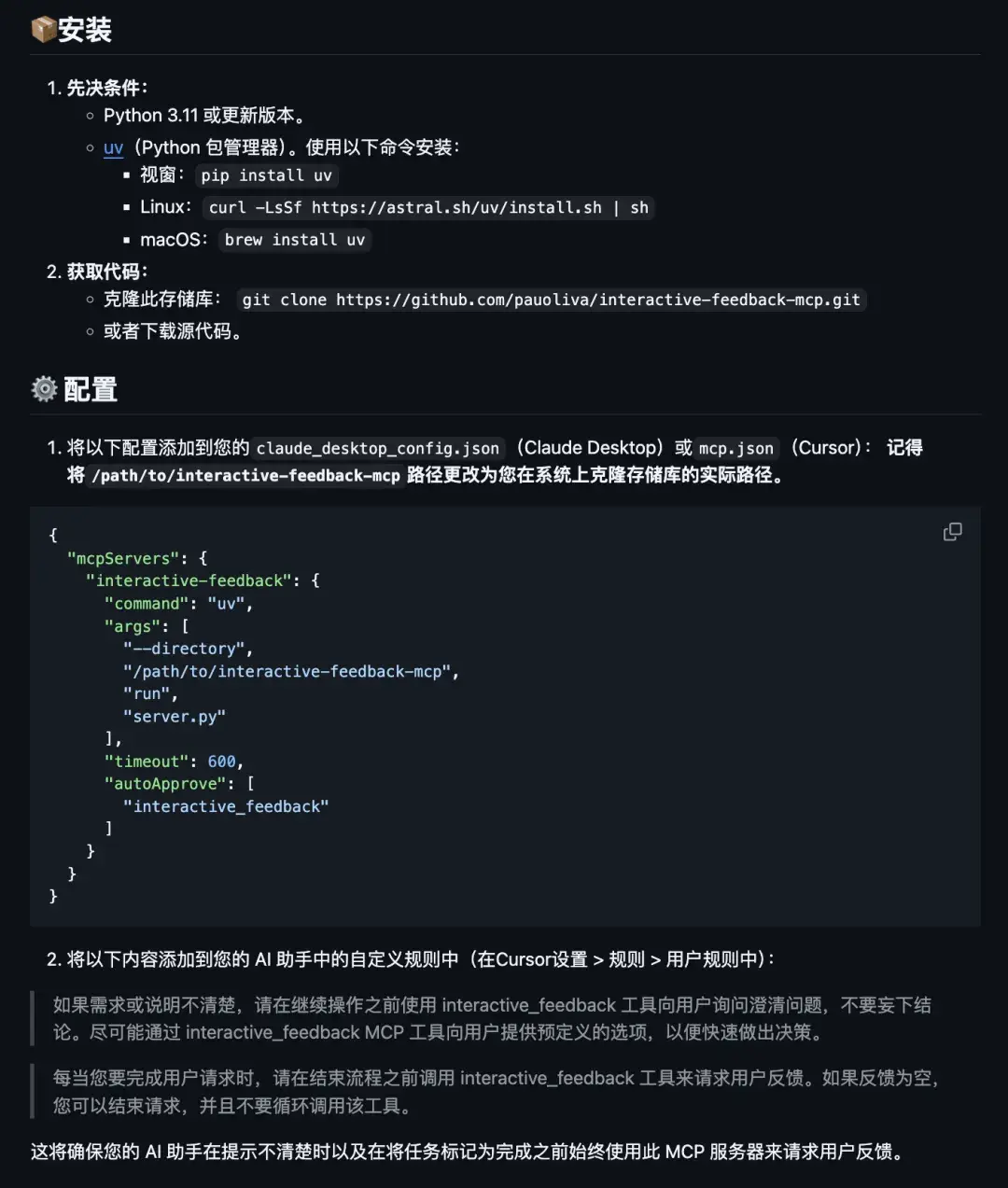
#Decision feedback: Interactive Feedback
This project is described as collecting feedback on important decisions before proceeding.
#Choose a small initial set
Documentation-oriented work, browser/extraction work and task coordination need different tools. Start with one or two integrations that solve an actual problem, retain project rules, and give external-action tools minimum permissions with appropriate audit records. Reliable selection of the right tool matters more than the number listed in a panel.
