
Context7 MCP with Claude Code
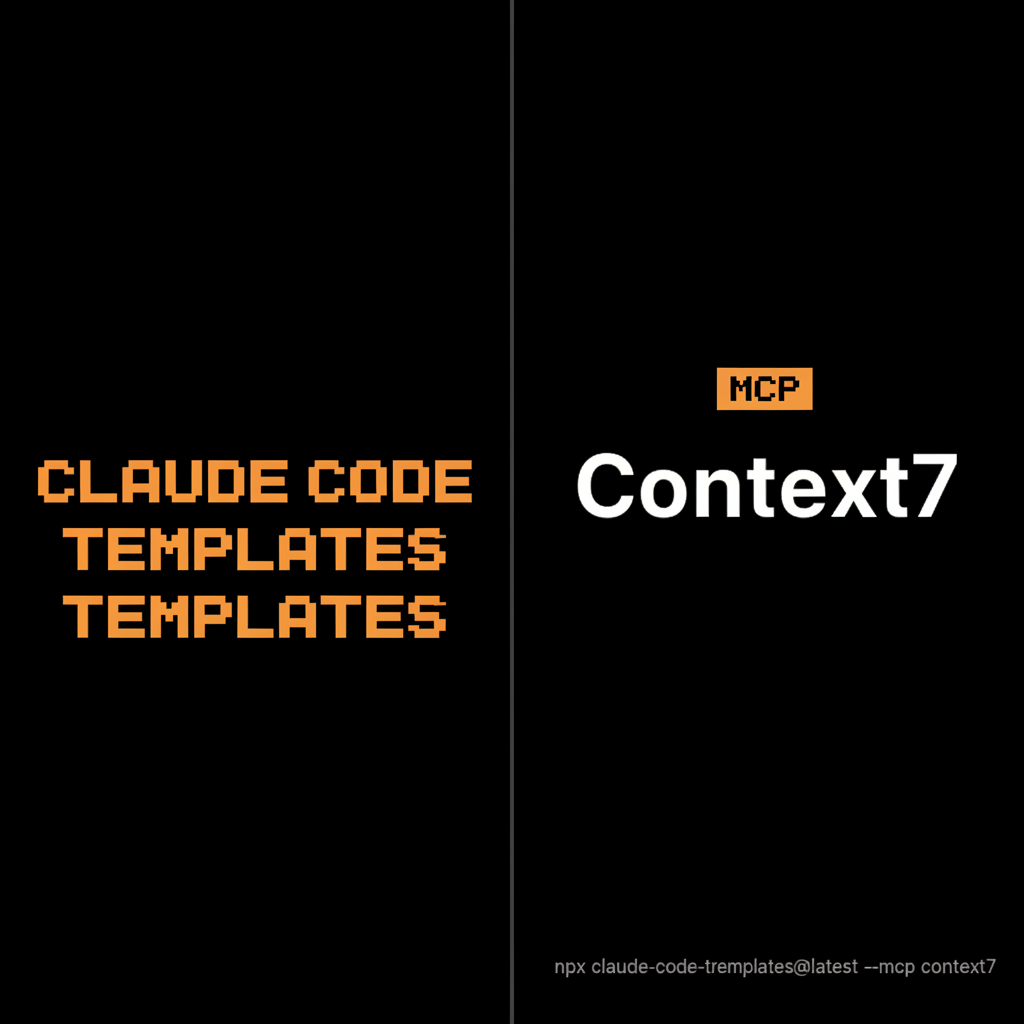
Context7 is a third-party documentation source that can be connected through MCP. It is not an Anthropic-owned feature, and an installed connector does not guarantee every answer automatically retrieves current documentation.
#Useful reference tasks
Library/version-specific APIs, code examples and migration notes are valuable for changing stacks such as React, Next.js and Supabase. Verify which tools the configured server actually exposes and ask for the version you use.
#Community installer example
bashnpx claude-code-templates@latest --mcp devtools/context7
The source illustrates a generated project MCP configuration. Check the current template and client configuration locations before using it; review third-party settings rather than treating them as an official default.
#Concrete requests
textUse the configured documentation tool to explain Server Actions for the Next.js version in this repository. Cite the relevant reference.
Other examples include Server Component data fetching, multi-parameter App Router routes or Supabase authentication. Compare retrieved examples with the installed versions and existing project architecture before applying them.
